My name is Thomas Kaisuka, I am a Front End Web Developer and the C.E.O and founder of Century Marvel Digital Solutions. Am deeply fascinated by Open Source technologies and Machine Learning and I spend most of my time creating magnificent web creations for my clients and mentoring others in website design.
My Latest Articles
With the Launch of the new Drupal CMS V1 on January 15th 2025, excitement was allover the place with the notable new features like Automatic Updates built into the core.
On my first try i ran into this error;
The composer executable cannot be found. Make sure it's installed and in the $PATH to enable auto updates.
The challenge was the shared cPanel hosting i was using. Drupal CMS specifically requires composer to be installed under /usr/bin/composer, a feature normally common with dedicated servers.
cPanel characteristically installs Composer under /opt/cpanel/composer/bin/composer for shared servers and it cannot be changed
The solution for this is to set the $PATH under package manager settings using Drush via the following command;
With the Launch of the new Drupal CMS V1 on January 15th 2025, excitement was allover the place with the notable new features like Automatic Updates built into the core.
On my...
Yep!! , you've probably seen (Adverts) Ads appearing in the New Outlook (Outlook New) that comes packaged with windows 11, 10 and 8.1.
In the blog i will show you how to get rid of them with ease.;
On Windows 8.1/10/11, right-click on the Windows start menu and select PowerShell or Terminal (Not CMD). If you don't know how to do this, check out this article.
Copy and paste the following command into the PowerShell window and press enter. This command downloads a script from the repository and executes it:
Yep!! , you've probably seen (Adverts) Ads appearing in the New Outlook (Outlook New) that comes packaged with windows 11, 10 and 8.1.
In the blog i will show you how to get rid...
Caution ⚠️: 😅 Very Geeky command line stuff but sometimes not as fun as i may make it seem 🤓. Let's have fun anyways. Boy i love my geeky life.
My journey using command line interface started when i first joined university in 2009. I clearly recall my course mates struggling with with Command Prompt for Windows commands like; CD, MKDIR, DIR. But boy oh boy i was making a meal out of the whole situation. In short i was the nerd in the whole quagmire (I bet you figured that right away).
People ran to the nice samaritan nerd just to get their course work done. It puzzled me why they found using command line hard. Then it hit me; i was destined to be a computer nerd of sorts.
I found myself hanging with only computer scientists, IT students and engineering students during my free time. Literally those are my circles of friends to date in addition to graphic designers.
During my second year my windows PC got a raid failure and i just wasn't able to boot it up plus i wouldn't access and solve the fake raid issues since all my colleagues weren't good at Windows OS repair and maintenance. That's when i discovered Linux Mint with its ability to boot live from a CD or USB. My dislike for windows commenced hence forth having been a devoted user.
As Sudo user in linux, (yess.. Sudo User i became 🥷) I became fascinated with installing packages using Terminal in linux just for fun using the famous sudo apt get command. I discovered the flexibility of pure open source and its power. And just like that i became obsessed with Open Source technologies.
I started disliking the Windows Operating System and its limitations / inabilities.
Years later, I was chanced to own my first MacBook in 2013 and got encouragement to use open source technologies freely. I started reading tutorials on installing HomeBrew for macOS, git; how to create a repo... merge it... commit and so forth.
Around the same time i was building my first Drupal 7 site (Its still live and on Drupal 8 now though not maintaining it any more). Drupal 7 further introduced me to Drush (a command line shell and Unix scripting interface for Drupal).
Thanks to Drupal 7 i got my first job as a website designer specializing in front end development in 2014. Also thanks to my childhood friend Okurut Jonathan for the connection to my first job.
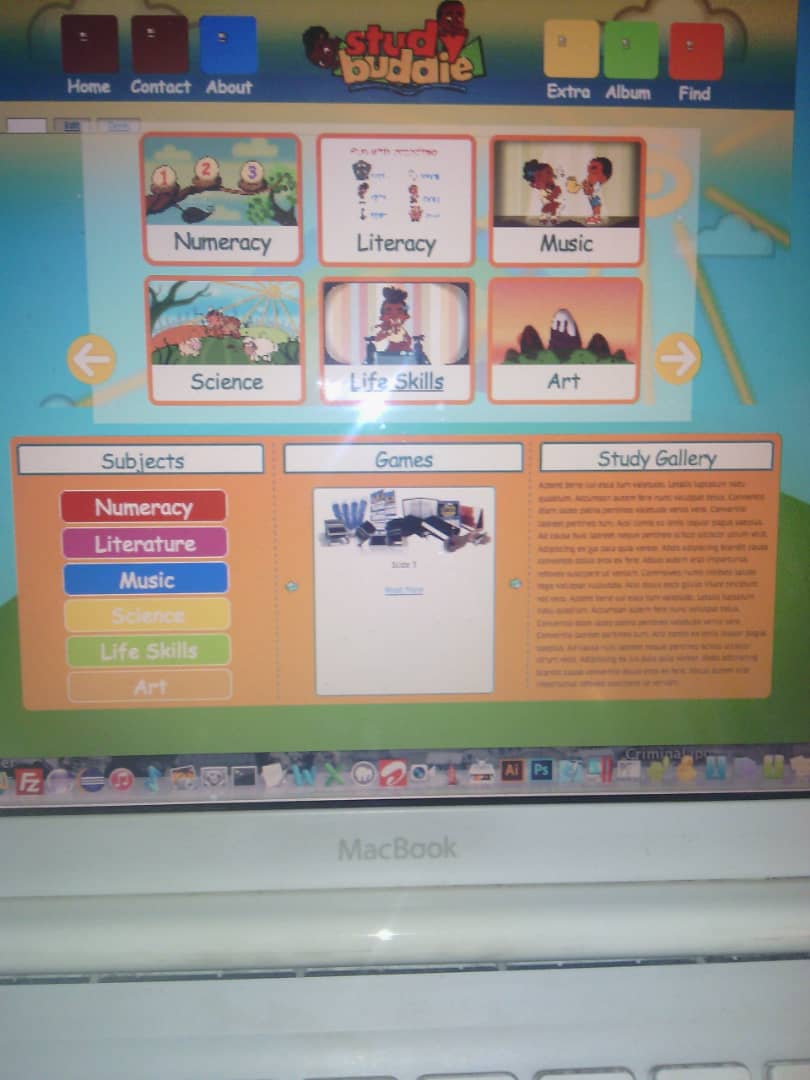
This a Picture of My First White Macbook while working on a project
Fast forward ⏩ 2 years later and Drupal 8 drops in hot (December 2016). With Acquia adopting the Symfony framework, it meant that using Command Line to install and configure Drupal websites by the means of Composer, Drupal Console, Drush, Git.... inevitable.
This made Drupal unfriendly to beginner site developers since not everyone is a command line nerd. But well, i was personally built for the nerdy stuff.
Delving more into using Terminal Command Line to get my sites running smoothly meant i had to learn how to read server error log files to troubleshoot php and apache server errors. Using Drupal made me a cloud linux geek since it required so many environment configurations to get it to run smoothly using Terminal Command Line.
I worked in my first job for 2 years before venturing into freelancing out of curiosity to see what i could build for myself since i had a vision of always starting up my own company. During my freelancing time i delved deep into understanding configuring and setting up linux web servers using command line based Terminals, from setting up cPanels to configuring SSL certificates. The only bottleneck around that time was using a shared server from hostgator which had lots of limits for power users.
Fast forward ⏩ in 2020 during the lockdown i discovered CloudWays; a platform perfectly built for web developers. Now the catch is the Cloudways platform has no cPanel like user interface to unzip, zip files, create folders and so forth but lots of power server functionality.
Now this is where my knowledge of command line came in very handy and i ditched hostgator for good.
Cloudways has several architecture server options from Linode, Digital Ocean, Amazon and Google Cloud.
The Base Line is; Though using command line is not user friendly for newbies it gives you an upper most hand as web developer to execute server and CMS task really fast without fear or having limitations due to the server architecture you might be using.
Caution ⚠️: 😅 Very Geeky command line stuff but sometimes not as fun as i may make it seem 🤓. Let's have fun anyways. Boy i love my geeky life.
My journey using command line...